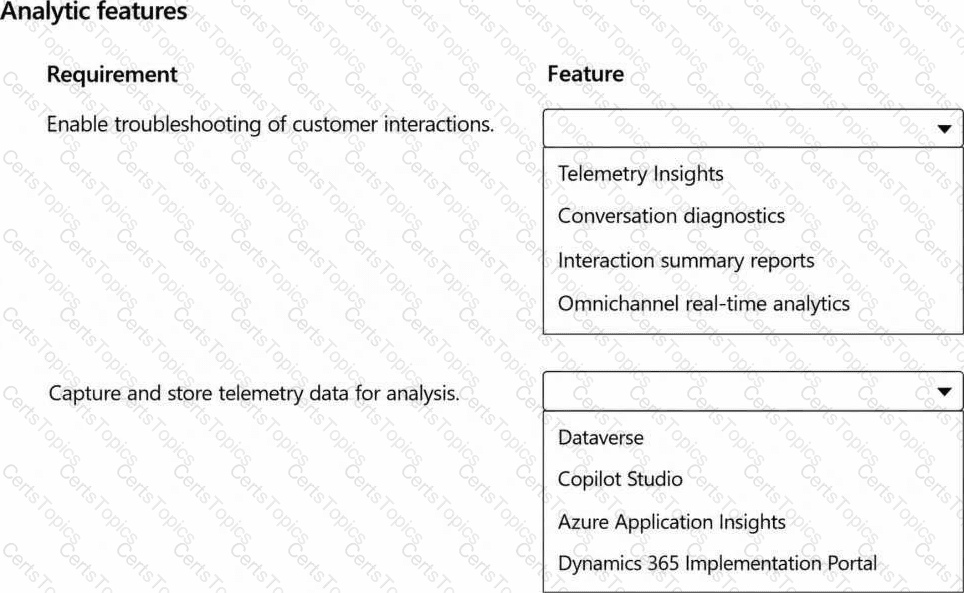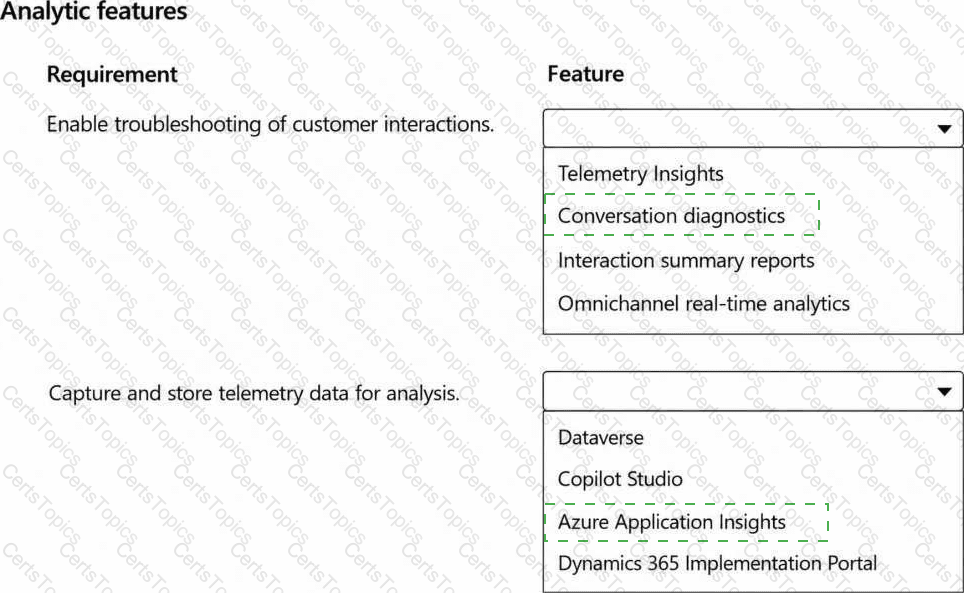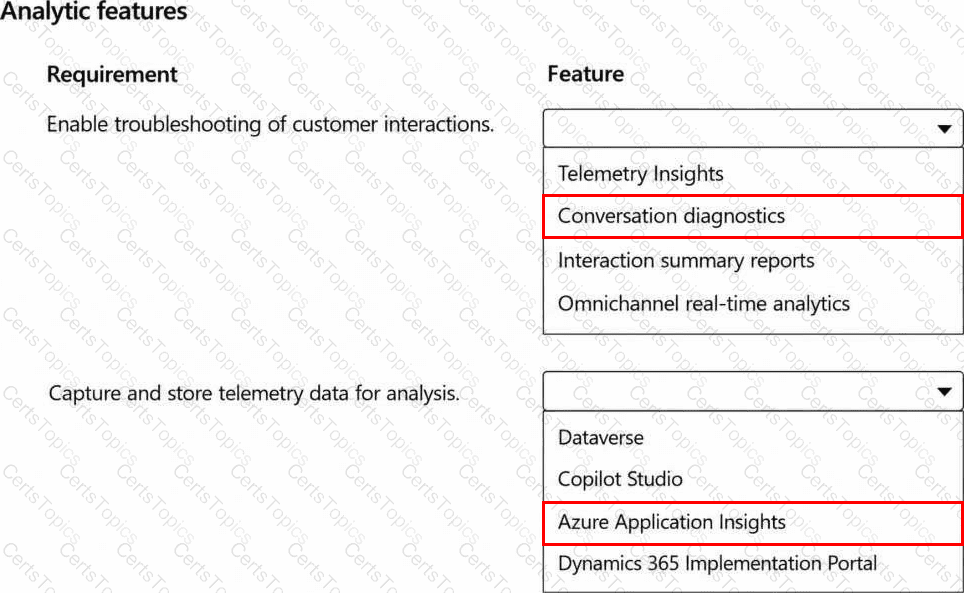




Enable troubleshooting of customer interactions - > Conversation diagnostics
Capture and store telemetry data for analysis - > Azure Application Insights
Conversation diagnostics provides interaction-specific diagnostic visibility across the Contact Center lifecycle. It allows administrators and supervisors to trace what occurred as a customer interaction moved through classification, routing, queue assignment, representative selection, transfers, consultations, and supervisor actions. This makes it the correct feature for troubleshooting customer interactions rather than simply reviewing aggregated performance metrics.
Azure Application Insights provides the telemetry storage and analysis layer. Microsoft's current Contact Center analytics training explicitly identifies Application Insights as the service used to capture and query conversation lifecycle telemetry. Once integrated, diagnostic events can be inspected with queries to investigate routing anomalies and other runtime problems.
Omnichannel real-time analytics is designed for operational monitoring of live KPIs such as queue backlog, service levels, representative availability, and active conversations. It is valuable for supervision but does not replace detailed conversation diagnostics. Interaction summary reports similarly provide summarized analytical information rather than end-to-end diagnostic traces.
The supplied case-study answer therefore correctly separates the troubleshooting capability from the underlying telemetry platform: Conversation diagnostics for investigation and Application Insights for telemetry capture/storage.
Study Guide reference: Manage analytics for Dynamics 365 Contact Center - > Configure conversation diagnostics in Application Insights.