
The BIM manager is working on a mixed-use project in which consultants are on different platforms and delivery timelines. The client requires COBie-compliant data handover and weekly coordination uploads.
What is the best approach to ensure project-specific BIM processes are effectively implemented from the outset?
An AEC company has received a design model from the Architect of Record to begin creating construction documentation. The BIM Execution Plan identifies a fast-track delivery schedule, and the project team includes new consultants with limited exposure to the client’s preferred toolset and workflows. The BIM manager must determine how best to prepare the delivery team and assess the model’s compatibility with internal systems.
As the BIM manager prepares for the Project Kickoff meeting, which two pieces of information are most critical to avoid issues related to digital compatibility? (Select two.)
A designer needs to add Area Lines in an Area Plan, but upon adding them, they receive a message stating that none of the created elements are visible.
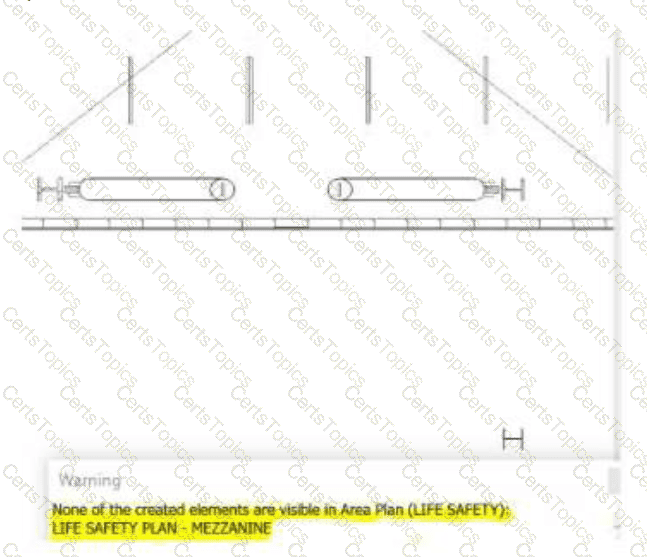
Where can they check to resolve the issue?
During early coordination on a hospital project, the BIM manager runs a general clash detection between all models and generates over 3,000 clash results. Many are low-priority issues, such as wall-grid overlaps and minor duct-ceiling intersections. The project’s clash matrix outlines only high-impact clashes between structural, MEP, and architecture in specific zones.
For the BIM manager, what is the most appropriate next step to align clash reporting with the project’s coordination strategy?
Copyright © 2021-2026 CertsTopics. All Rights Reserved
