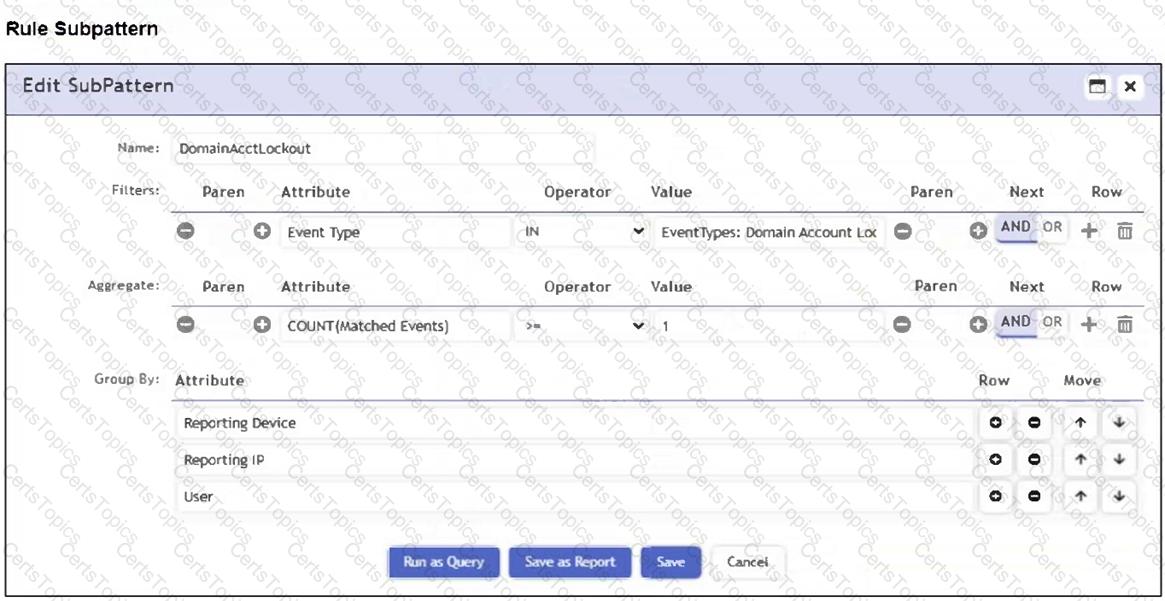
Grouping by User, Source IP, and Count means that each unique combination of those three attributes will be treated as a separate result. In the table, all six rows have distinct combinations of User, Source IP, and Count - so FortiSIEM will display 6 results.
Six because grouping by User , Source IP , and Count creates a separate result for every unique combination of those three selected attributes. The FortiSIEM Study Guide explains this grouping behavior in the single-subpattern rule example: “If multiple VPN login failure events have the same source IP address, reporting device, reporting IP address, and user, they are grouped together in one row, and the count column tracks the number of events for each of those rows.” Applying that rule here, FortiSIEM compares all selected Group By fields together. In the exhibit, every row has a unique Source IP address, even where the same user appears more than once. For example, Mike appears twice, but the Source IP and Count values are different. Alice appears twice with Count 2, but the Source IP values are different. Bob appears twice, but both Source IP and Count are different. Since no row has the same User, Source IP, and Count combination as another row, FortiSIEM displays all six rows.