(On the Device Management page of iMaster NCE-Campus, which of the following functions will automatically enable the SSH proxy tunnel of the network device?)
(On a CloudCampus virtualized campus network, service data enters different VNs from physical networks through edge nodes and the VN that the data will enter is determined by the VLANs to which users belong. Which of the following statements about dynamic VLAN authorization isfalse?)
(Which of the following statements about authentication profile configuration is true?)
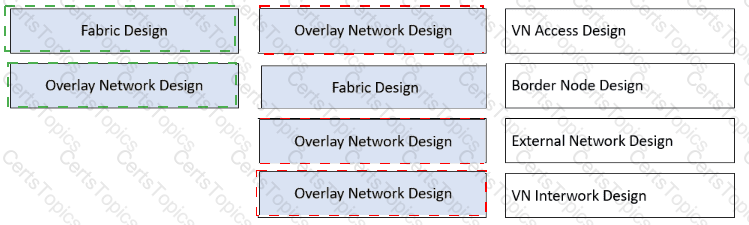
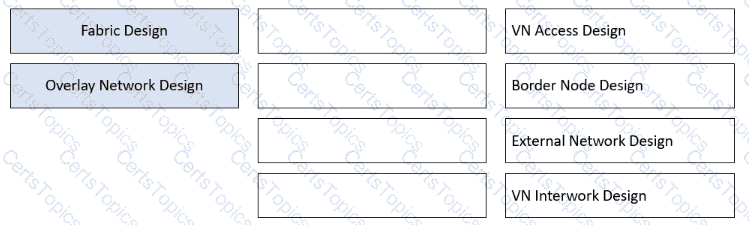
When planning a VXLAN-based virtualized campus network, you need to design underlay, fabric, and overlay networks. Drag the modules on the left to the correct locations on the right. (Token is reusable)
Copyright © 2021-2026 CertsTopics. All Rights Reserved